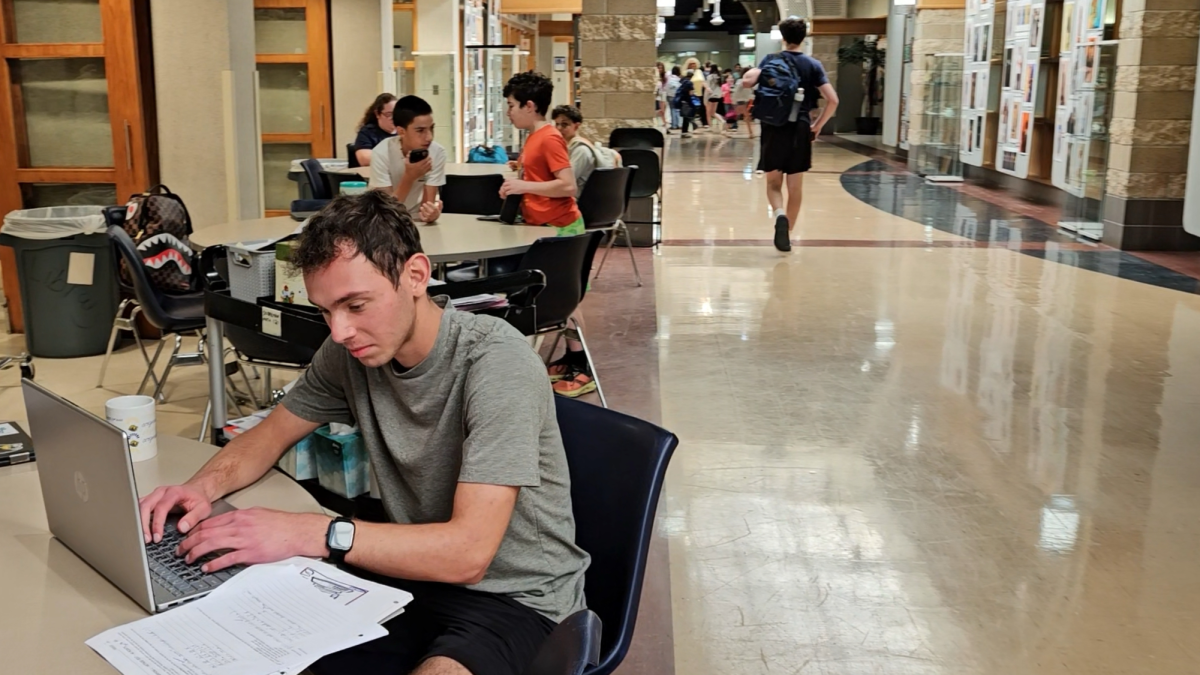


In today’s digital world, students spend much of their time in school and at home on screens. According to a CDC study completed in December 2023, 50.4% of students aged 12 through 17 spend more than four hours daily on screens.
While people love to spend time on their phones and computers, and often out of necessity, these screens can have detrimental effects on their eyes. Therefore, it is important for students to know how to protect themselves, and try to limit their screen time to no more than two hours a day.
Upper School Nurse Jillian Pedone feels that screen time is causing more eye complaints from students.
“I’ve seen probably more of an uptick, even since COVID, when we were all on our computers, six, seven hours a day, that’s when you can really notice more complaints about eye strains,” Pedone said.
A common condition that can arise from screen use is eye strain, also known as Computer Vision Syndrome (CVS). An article published by the Mayo Clinic in 2024, says that eye strain occurs after intense use of the eyes, which tires them. This can happen because humans blink less when looking at screens, or due to the glare, angle or distance the screen is viewed from. Additionally, people who look at screens for two or more continuous hours are at greater risk.
The symptoms of eye strain, according to the Mayo Clinic, include irritated eyes, blurred vision, photophobia (sensitivity to light), headaches and sore shoulders and neck. Pedone says that she frequently sees students with headaches caused by excessive screen use.
“I would say headaches are [a] super common visit to the nurse’s office, and while we can’t always pinpoint [the cause], I would feel confident in saying that dehydration is usually a really big cause, and screen time,” Pedone said.
Pedone recommends students using the 20-20-20 method to help prevent eye strain. This means that after 20 minutes on a device, look at something 20 feet away for at least 20 seconds.
During the school day, some teachers try to limit their students’ time on their computers. This includes High School Jewish Text Teacher Maharat Ruth Balinsky Friedman.
“I just minimize the use of technology as much as I can,” Friedman said. “I see technology for in-class assignments and projects in which it’s not realistic or fair to ask the students to do everything by hand… But other than that, no [screen use].”
The immense discomfort caused by eye strain can also be avoided by using certain phone features.
On Apple iPhones, the screen distance feature reminds users to keep their iPhone away from their eyes. When the iPhone is closer than 12 inches away from the user, a reminder message appears, telling the user to move their iPhone farther away.
In addition, setting screen time limits iPhone can help prevent phone users from spending too much time on their iPhone. Adjusting the screen brightness can also help, and enabling night shift can improve sleep.
Android phones include similar features to help prevent eye strain, like dark mode, also known as night mode, and the extra dim setting.
Sophomore Hannah Jakabovics uses a phone feature to limit her screen use. After being on an app for a certain amount of time, or at a certain time at night, a reminder appears to tell her that she should take a break.
“If I’m on my phone or a computer for a long time, I get a headache,” Jakabovics said. “So try to limit that.”
With these new phone features, which are also available on many other electronic devices, students can better manage their eye health and reduce their risk of encountering vision and eye problems in the future.
“I think they [students] should definitely use the … 20-20-20 rule about consciously taking those breaks from the screens, and giving your eyes a rest,” Pedone said.